
Native Mac · ~8 MB · Offline
Things3 for tasks.
Let Notes for notes.
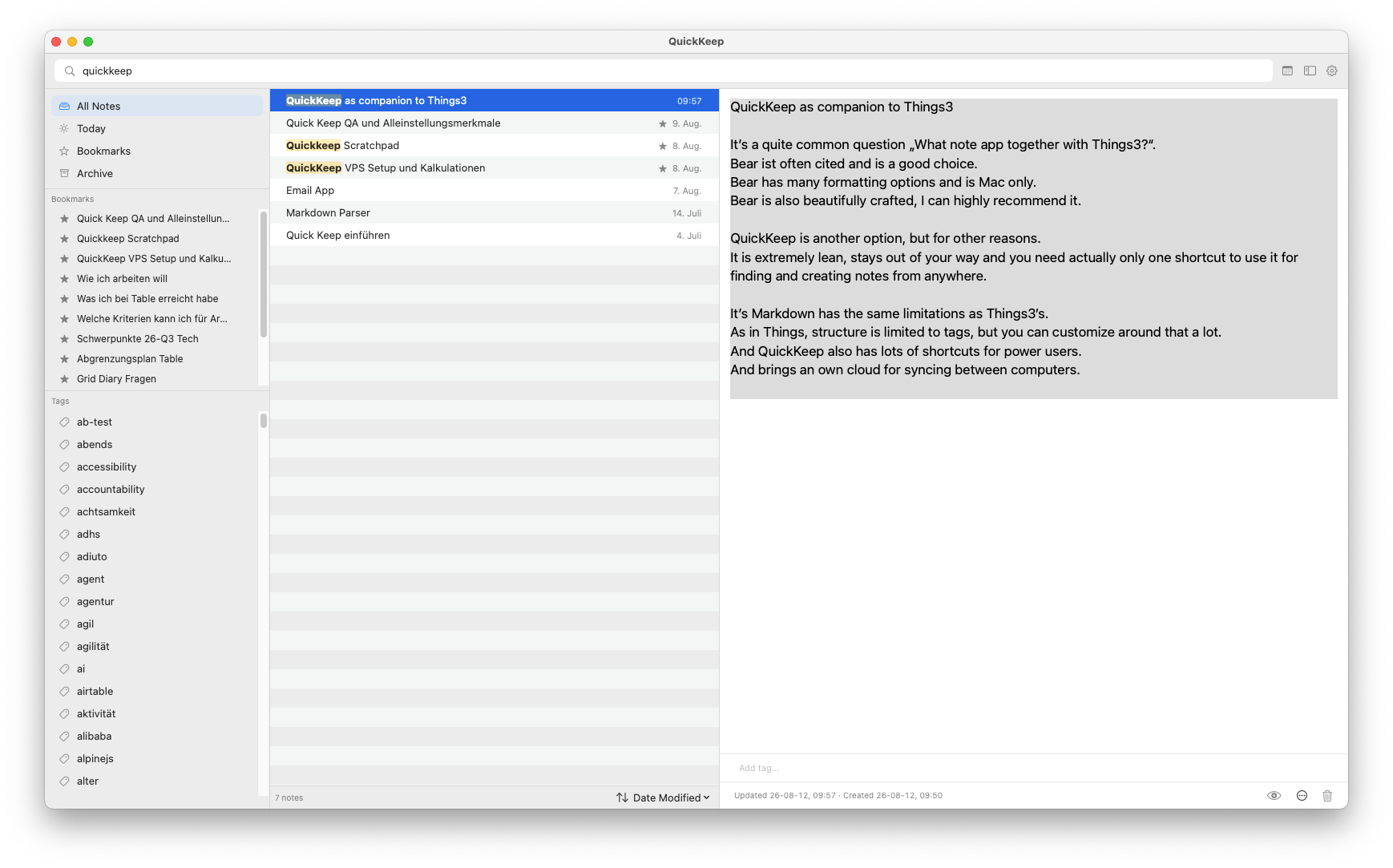
Let Notes lives one shortcut away, on every corner of your Mac. Capture the thought before it disappears — then find it again in milliseconds.
-
01 · Open with shortcut
Start before the thought is gone.
Press global shortcut (e.g. ⌘⇧K) from anywhere on your Mac. Let Notes opens instantly, ready for you to capture the thought or find notes.
-
02 · Find or create
Search and edit it or start something new.
Find anything you have captured as you type, or create a new note right away. No filing system to navigate first.
-
03 · Full integration
Native, fast, and easy to connect.
A small, super-fast Mac app with Shortcuts and a URL scheme, so Let Notes fits into the workflows you already use.
Let Notes is for you if…
Let Notes is for you, if…
- You want the thought down before you lose it.
- You'd rather search than file.
- You live at the keyboard, on a Mac.
- You want it offline, instant, and tiny.
- You think in text and tags.
- Native Mac UI and performance, small app size.
Look elsewhere if…
Let Notes is not for you, if…
- Tables, math formulas, or rich WYSIWYG editing.
- An image library or plugin ecosystem.
- Backlinks, folders, or semantic search.
- Version history and document diffs.
- You want graph view, nested folder, files, and lots of configuration.
Notion, Obsidian, or Apple Notes fit those jobs better.
Early alpha
Build a notes habit that stays light.
Invitation-only while it ships under real use. Tell us how you capture, and we'll set up an onboarding call.